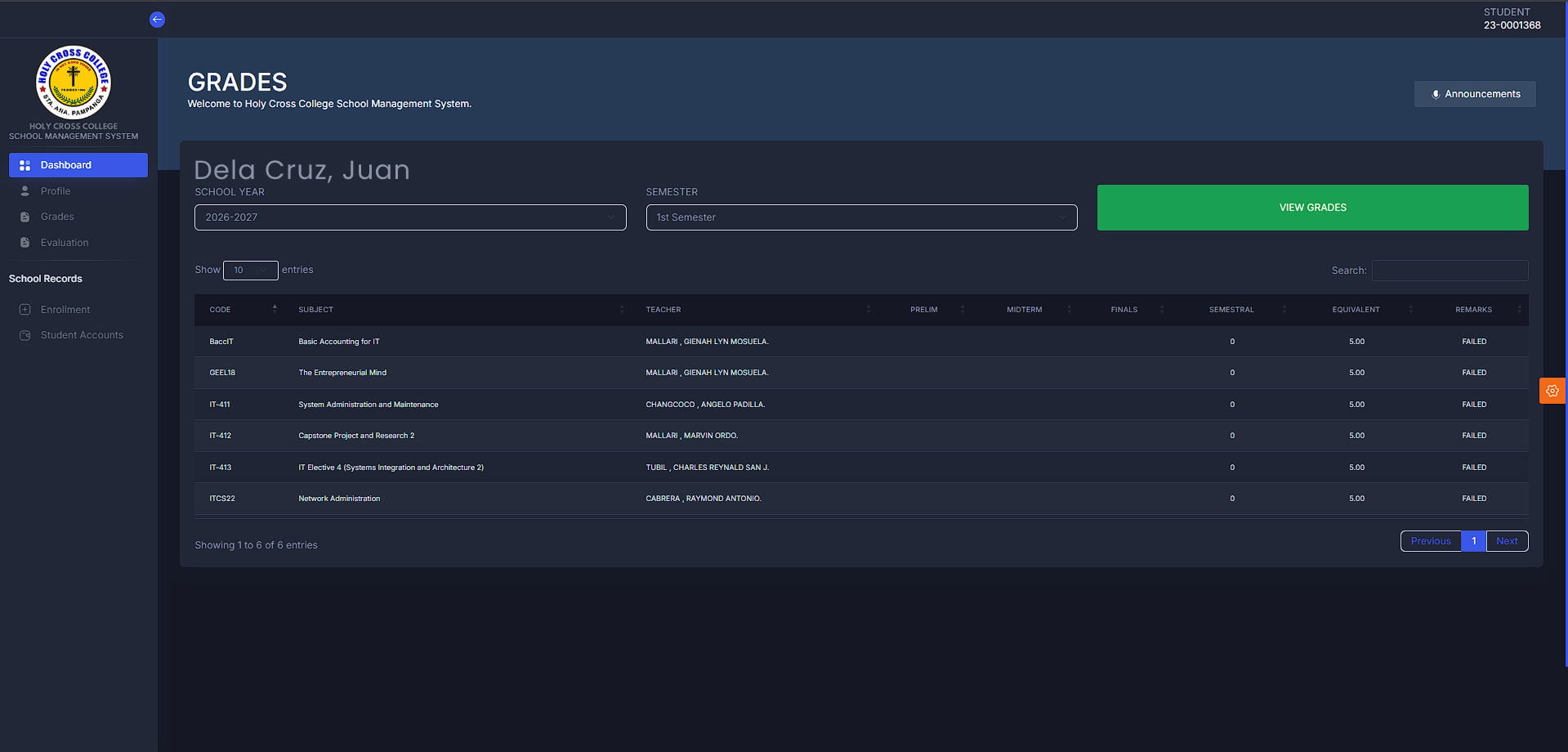
Checking Students’ Grades via the Portal
- Kindly proceed to TRS/MIS office for creation of account.
- Present latest receipt upon activation
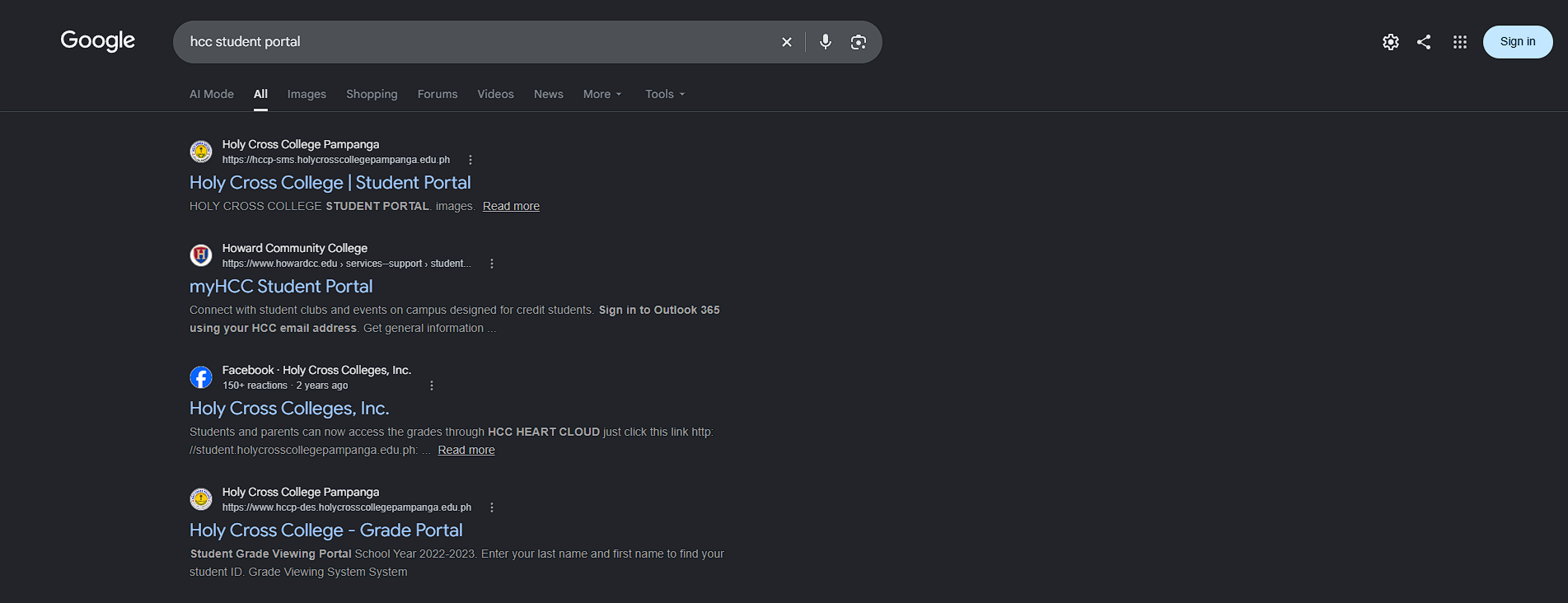
- Search on your browser, “hcc student portal”
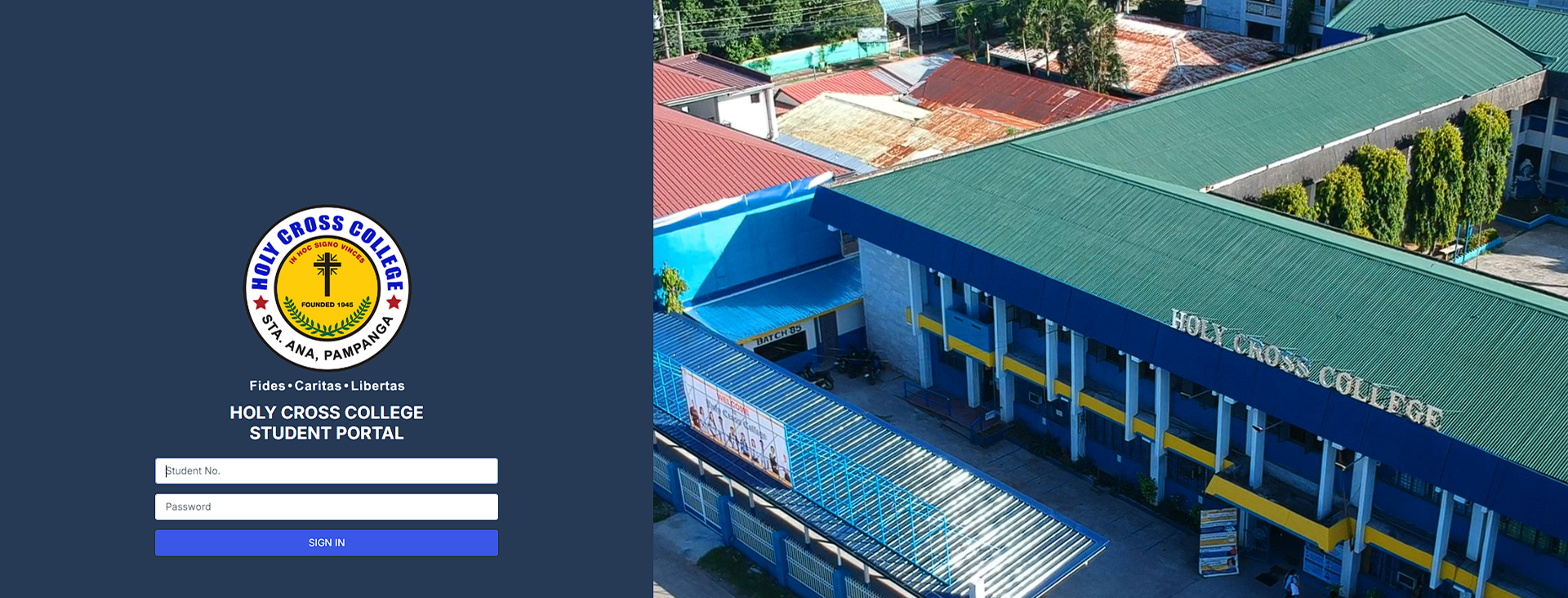
- Log in using the given credentials
a. Username = student number
b. Password = 123456 (password can be changed once the student is logged in)
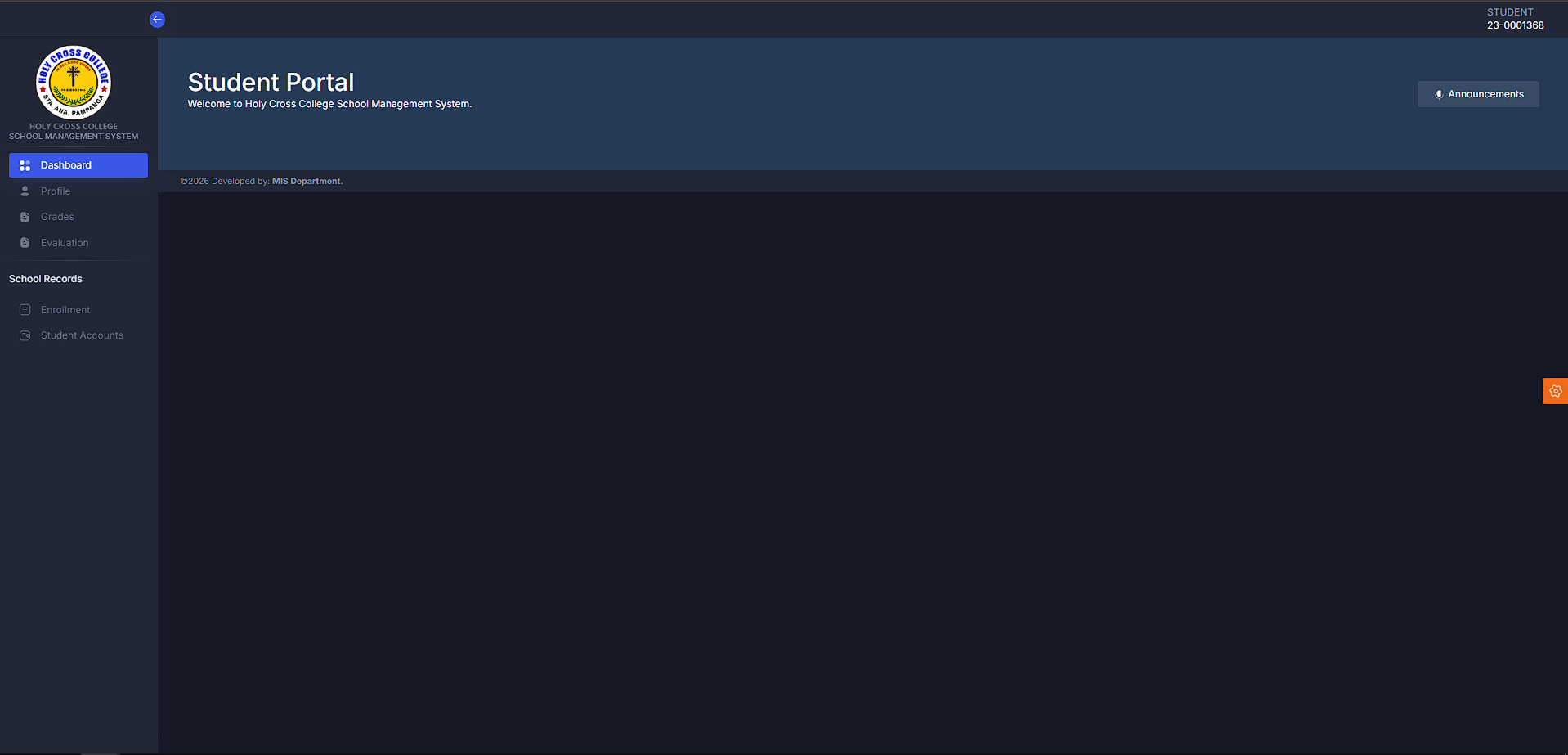
5. Select “Grades”
6. Select which school year and semester then “View Grades”